Manual flight logging
Log aircraft, route, timing, role, landings, and remarks in a clean, pilot-first form.
Aerolog PRO helps you create, import, review, and manage your logbook with a clean, professional workflow — so your records stay accurate without eating your layover.
For airline, corporate, instructor, and recreational pilots.
A focused toolkit for real-world flight records — nothing you don't need, everything you do.
Log aircraft, route, timing, role, landings, and remarks in a clean, pilot-first form.
Turn duties from supported roster and calendar feeds into logbook entries in seconds.
Bring your existing logbook in from supported formats and review before saving.
Fix missing fields and approve imported flights before they land in your logbook.
Spot possible duplicates automatically to keep your records clean and reliable.
Store aircraft types and registrations, ready to attach to any flight.
Totals and breakdowns computed for you where supported — less math, fewer mistakes.
Track night time, IFR-related values, and other professional logbook fields.
Export your logbook for backup, interviews, licence applications, or personal records.
Read and edit on the go — changes sync when you're back online, where supported.
Designed for airline, corporate, instructor, and recreational pilots who value their time.
A management tool — you review entries to meet company, authority, and licence rules.
Scroll to walk through Aerolog PRO — one screen at a time.


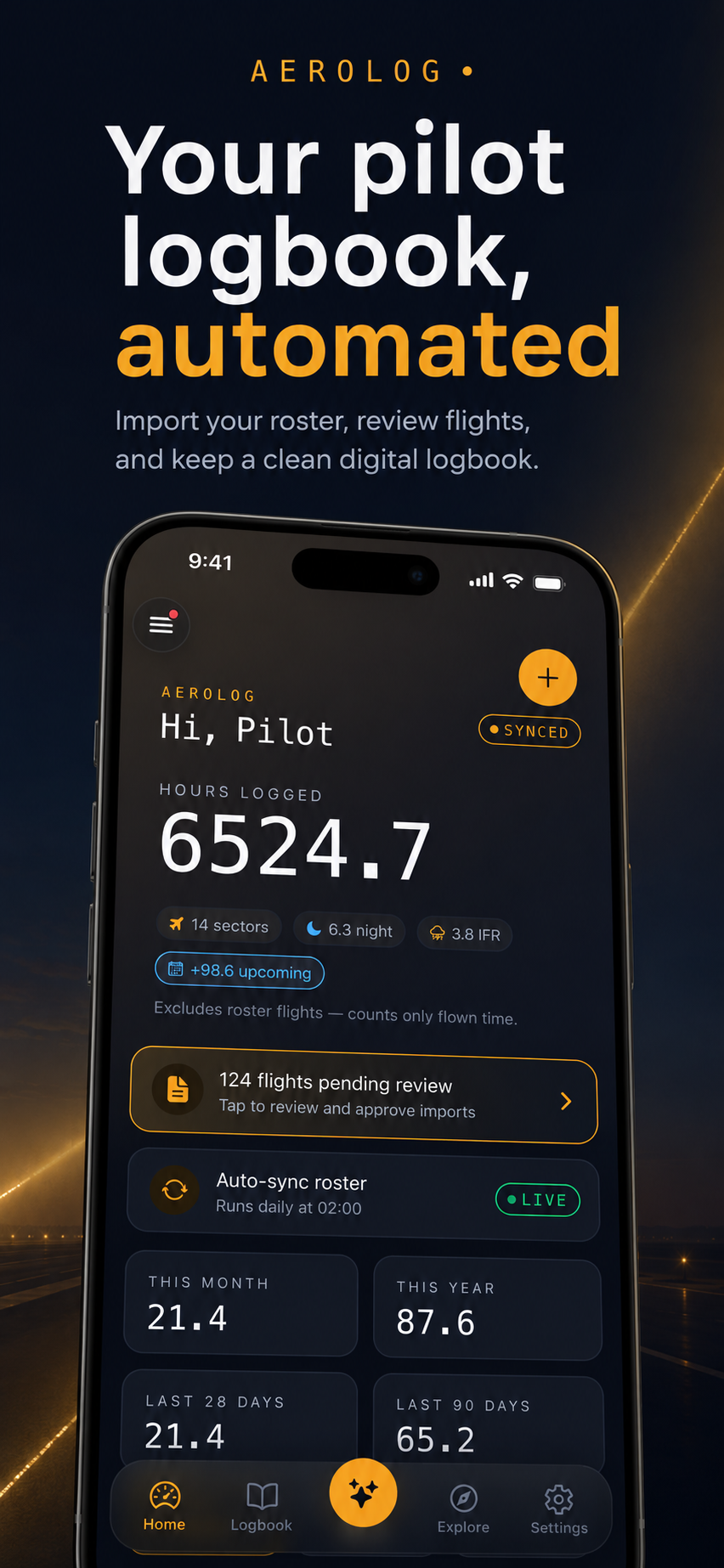
Import your roster, review flights, and keep a clean digital logbook — without the paperwork.
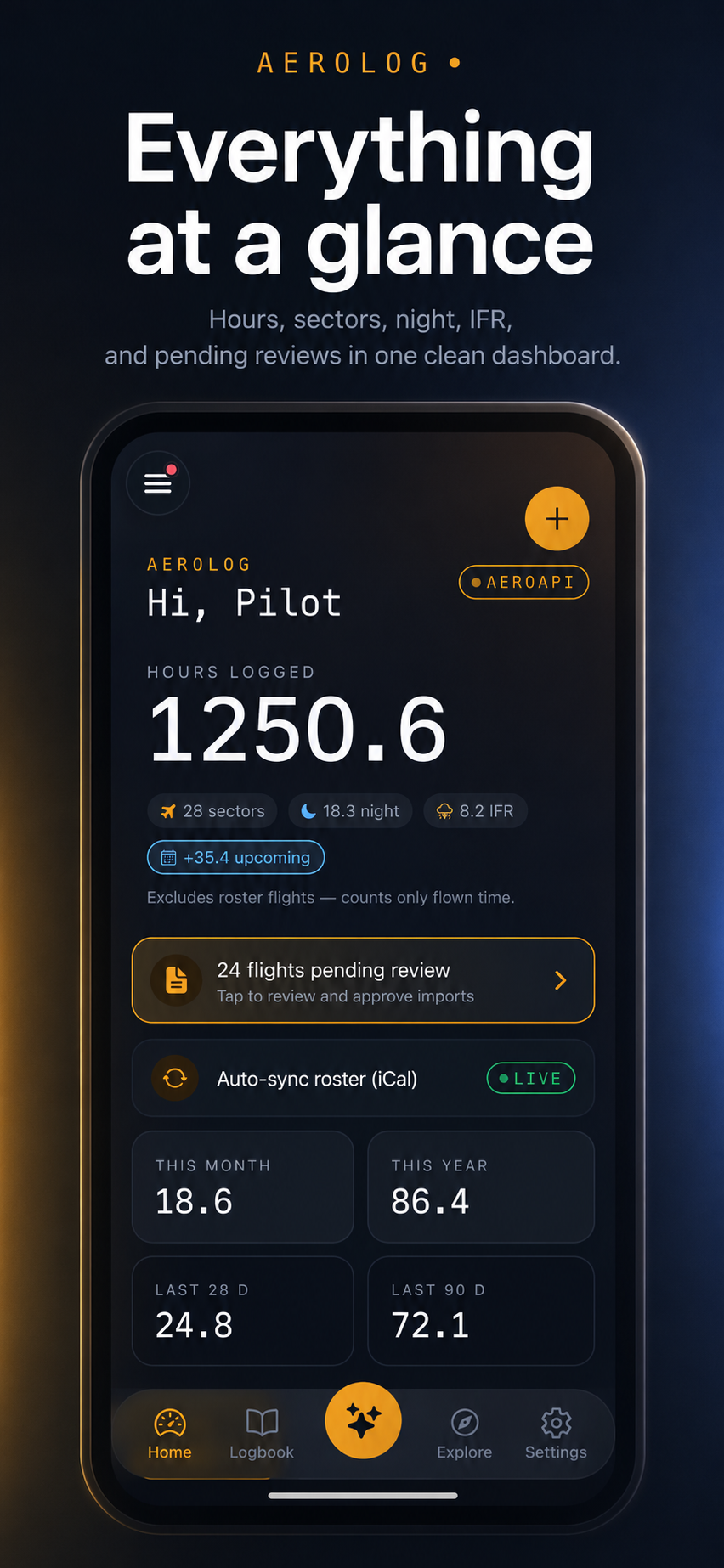
Hours, sectors, night, IFR, and pending reviews in one focused dashboard.
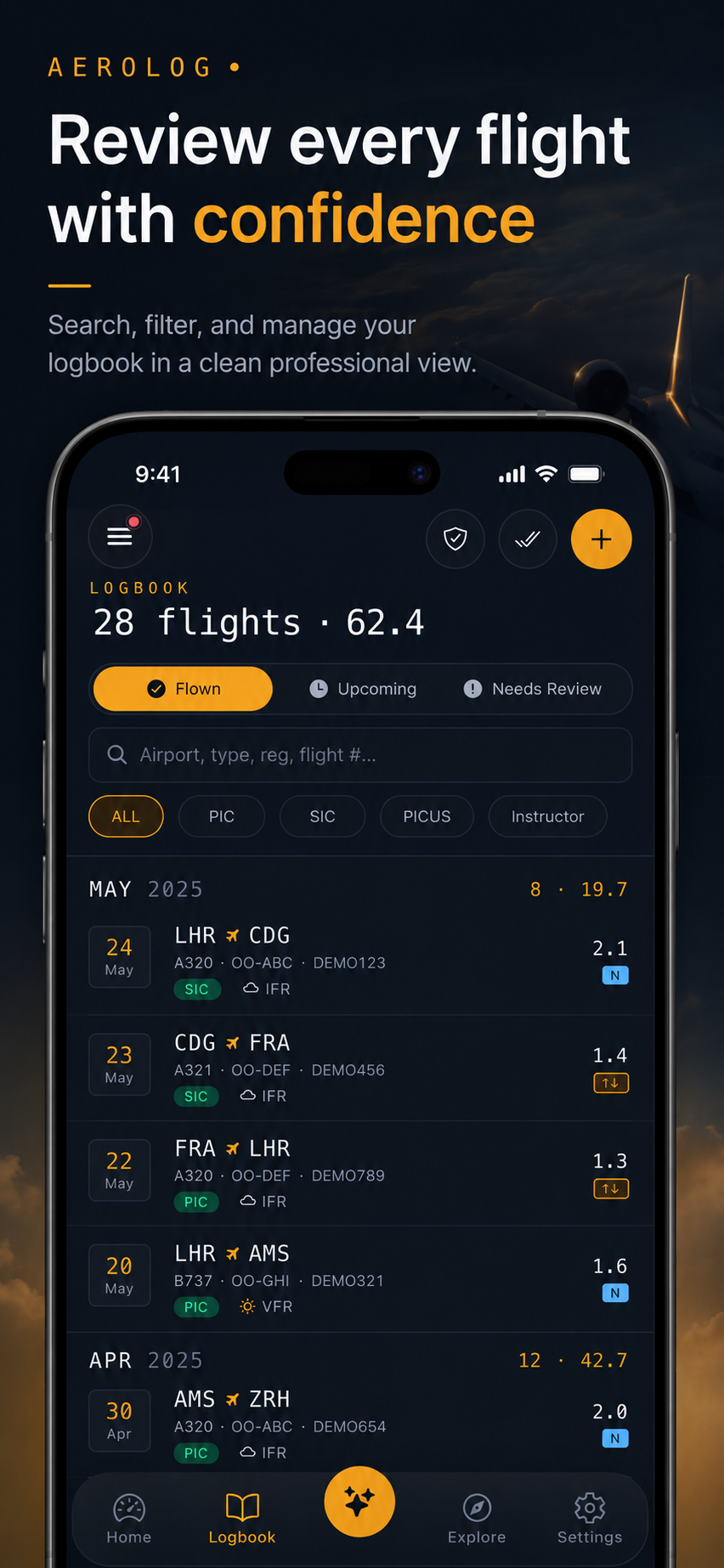
Search, filter, and manage your logbook in a clean professional view.
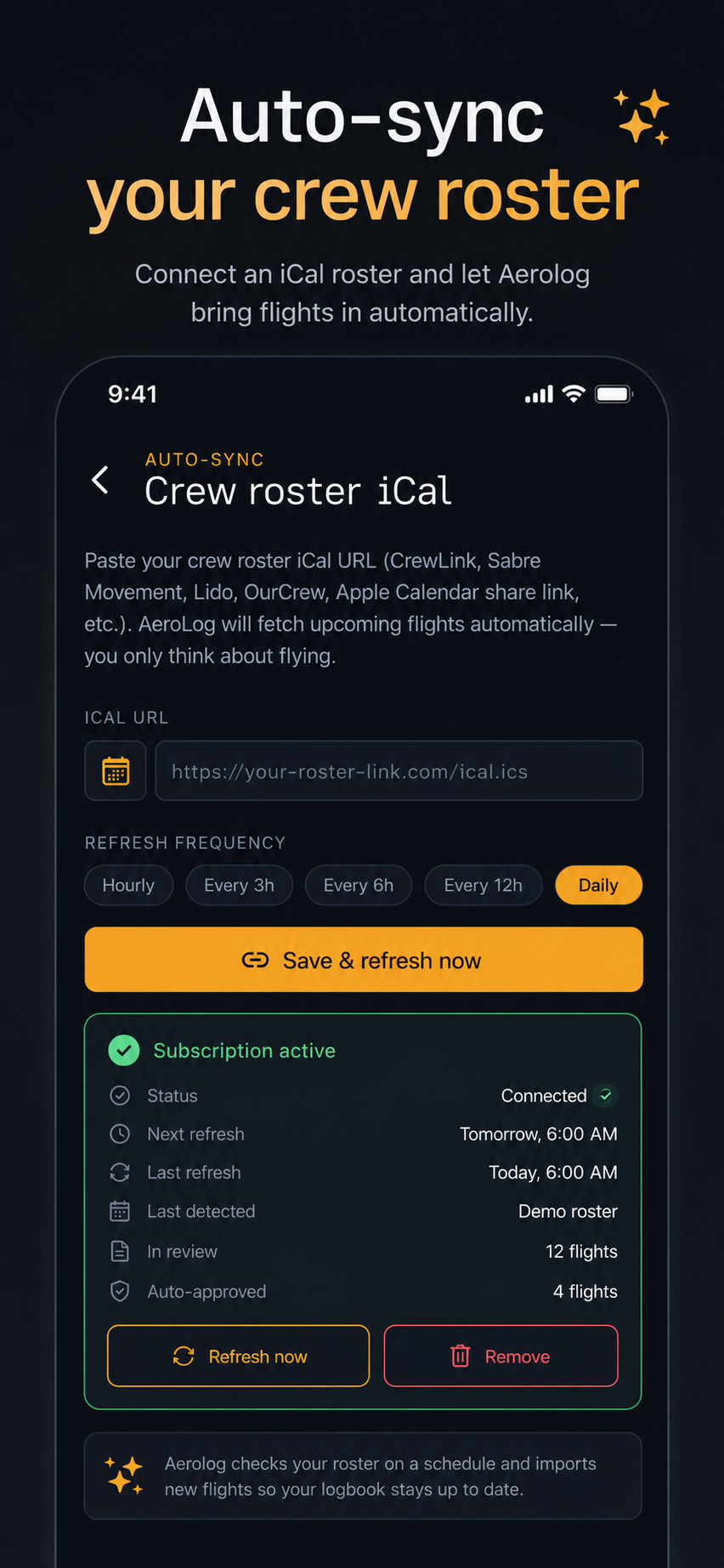
Connect an iCal roster and let Aerolog bring flights in automatically.
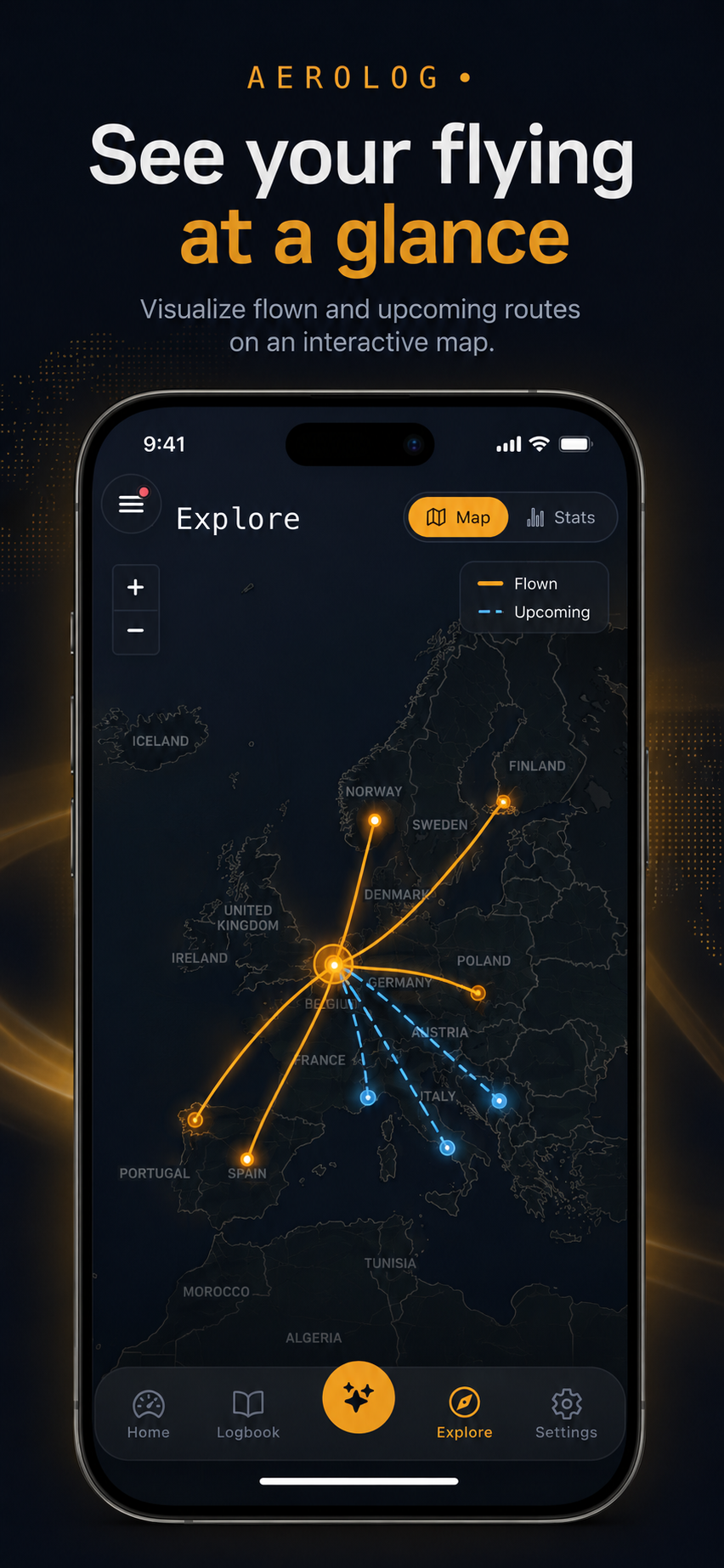
Visualize flown and upcoming routes on an interactive map.
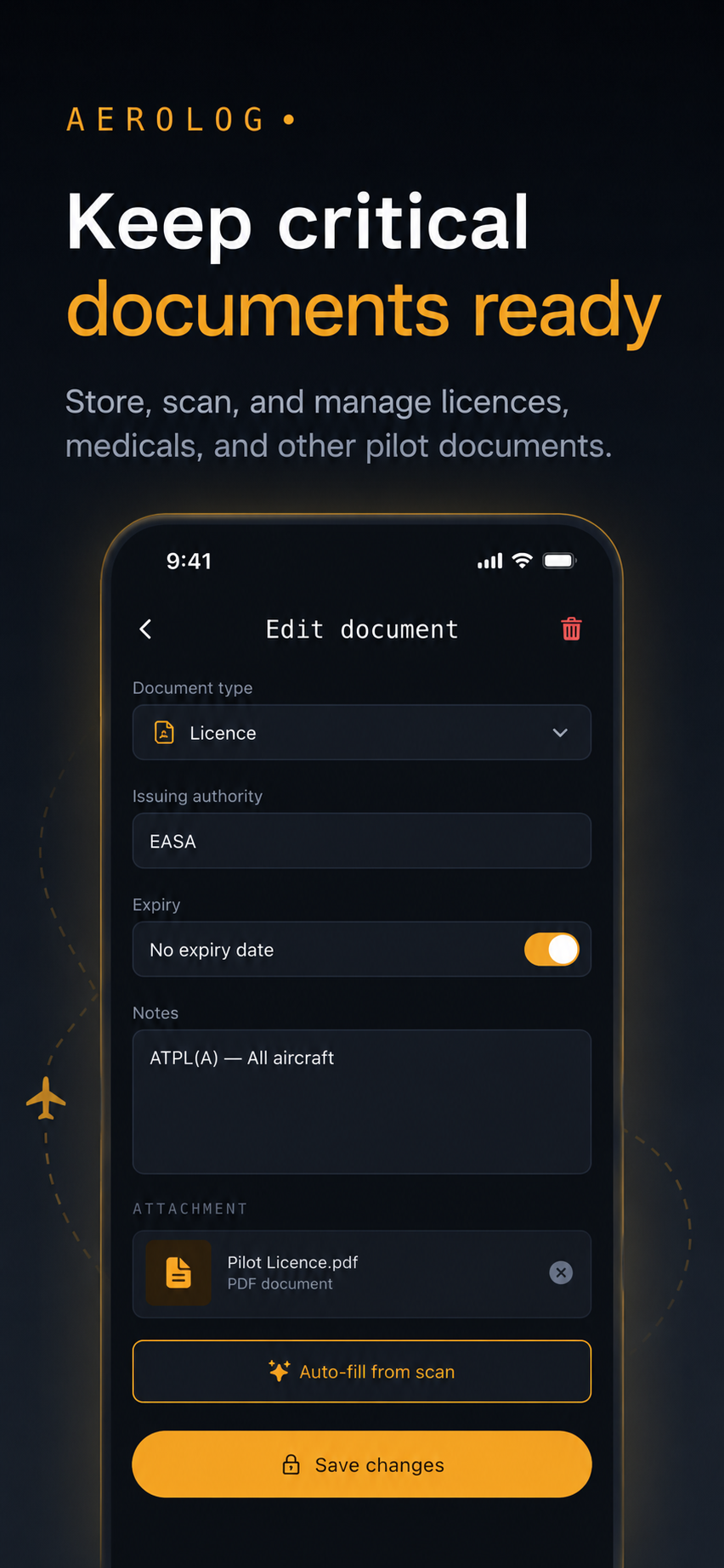
Store, scan, and manage licences, medicals, and other pilot documents.
Pull flights from your roster, calendar, or an existing logbook file.
Aerolog PRO flags gaps and possible duplicates. Fix, confirm, done.
Approved flights land in your logbook. Export anytime for records or interviews.
Download Aerolog PRO and get your logbook back under control today.
Aerolog PRO is a logbook management tool. Pilots remain responsible for reviewing entries and meeting company, authority, licence, and regulatory requirements.
Most questions get answered within two business days.
Email supportTip for faster help: include your app version (Settings → About), your iOS version, device model, and — for flight-specific issues — the date and route.
Full walkthrough: setup, roster sync, logging flights, exporting your logbook, and account management.
Work through the steps in order — most issues resolve at step one or two.
New duties from your airline roster aren't appearing, or the feed shows "last synced" hours or days ago.
A CSV import stops partway, shows a validation error, or approved flights don't sync to your other devices.
You're seeing "invalid credentials", the sign-in button spins forever, or the password reset email never arrives.
Night, IFR, or block time on a flight doesn't match what you actually flew.
Drop us a line and a real human pilot-loving engineer will get back to you.
Support@aerolog.app